
Create your account
Genius Church Manager uses one personal account for every church workspace you are allowed to access. Creating the account does not create a church or start a paid subscription.
1. Open the signup page
Go to app.geniuschurchmanager.com/signup. Organization signup is available on the web; the iOS and Android apps are for signing in to an existing account.
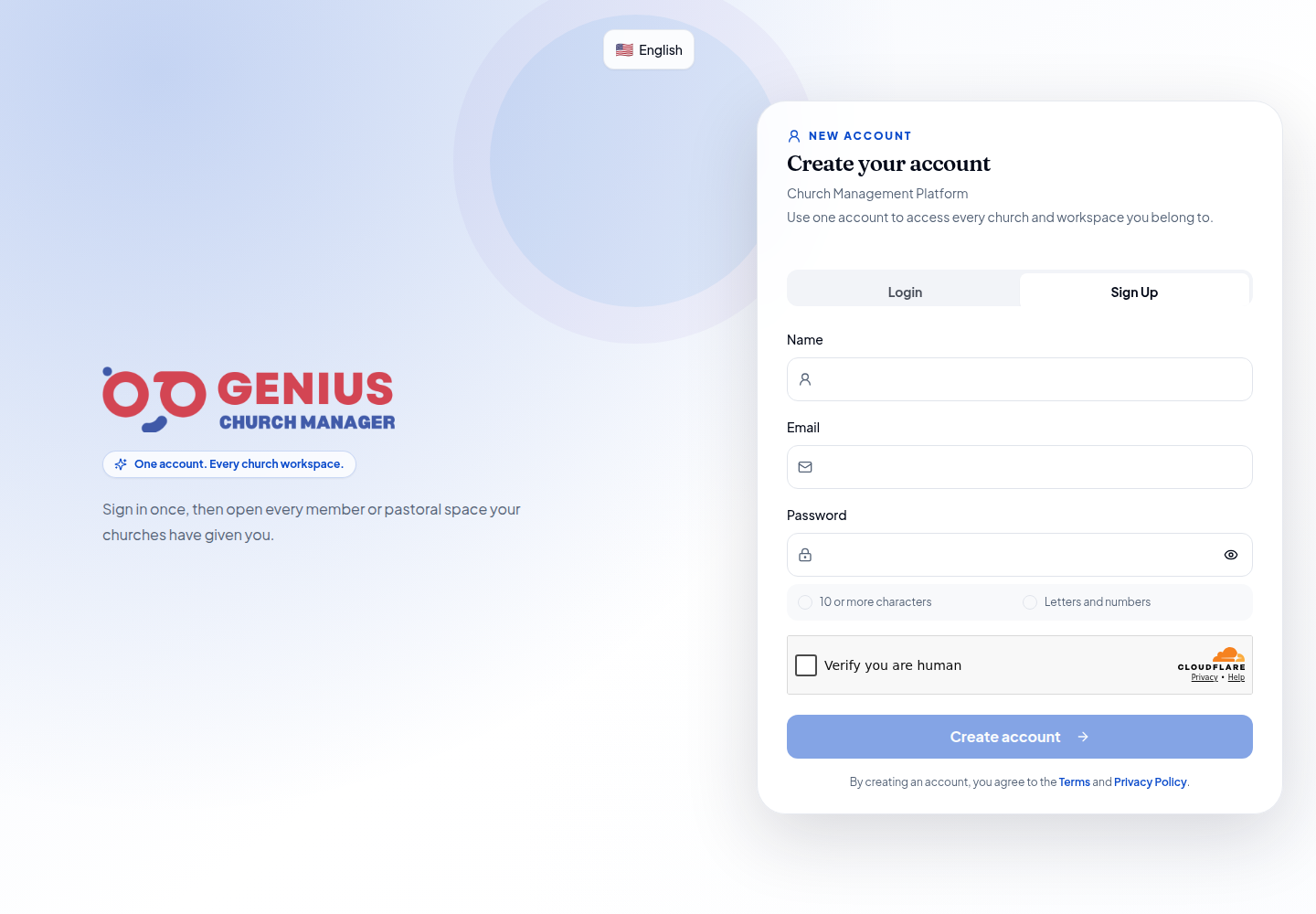
2. Create your personal account
Enter your name, email address, and a password containing at least 10 characters with letters and numbers. Complete the security check, then select Create account.
The form is replaced by a confirmation screen, and the password is cleared immediately. Keep this screen open if you may need Resend verification email.
3. Confirm the email address
Open the verification message and follow its link. Check spam or quarantine folders if it does not arrive immediately.
If the address already belongs to a GCM account, Supabase deliberately does not disclose that on the public signup form. No duplicate account is created. Select Sign in with this email or Forgot password instead. Use Use another email only when the address was entered incorrectly.
4. Open or create a church workspace
After signing in, GCM shows every organization that has granted your account access. If there are none, use the web onboarding flow to create a church, choose Starter or a paid plan, activate the modules you need, and complete the setup wizard.
Starter requires a securely tokenized card and a one-time $10 account verification. Pro and Growth are selected during organization onboarding or later from Billing; Enterprise requires a sales conversation.
Common questions
Can one account access several churches?
Yes. Each organization grants access to the same global account, and you choose from the organizations available to you after signing in.
What if the verification email never arrives?
Wait a few minutes, check spam, then use Resend verification email. If the address may already be registered, use Sign in with this email or reset the password instead.
Can I change plans later?
Yes. An authorized organization administrator can change the plan from billing settings without creating another user account.